

Groups
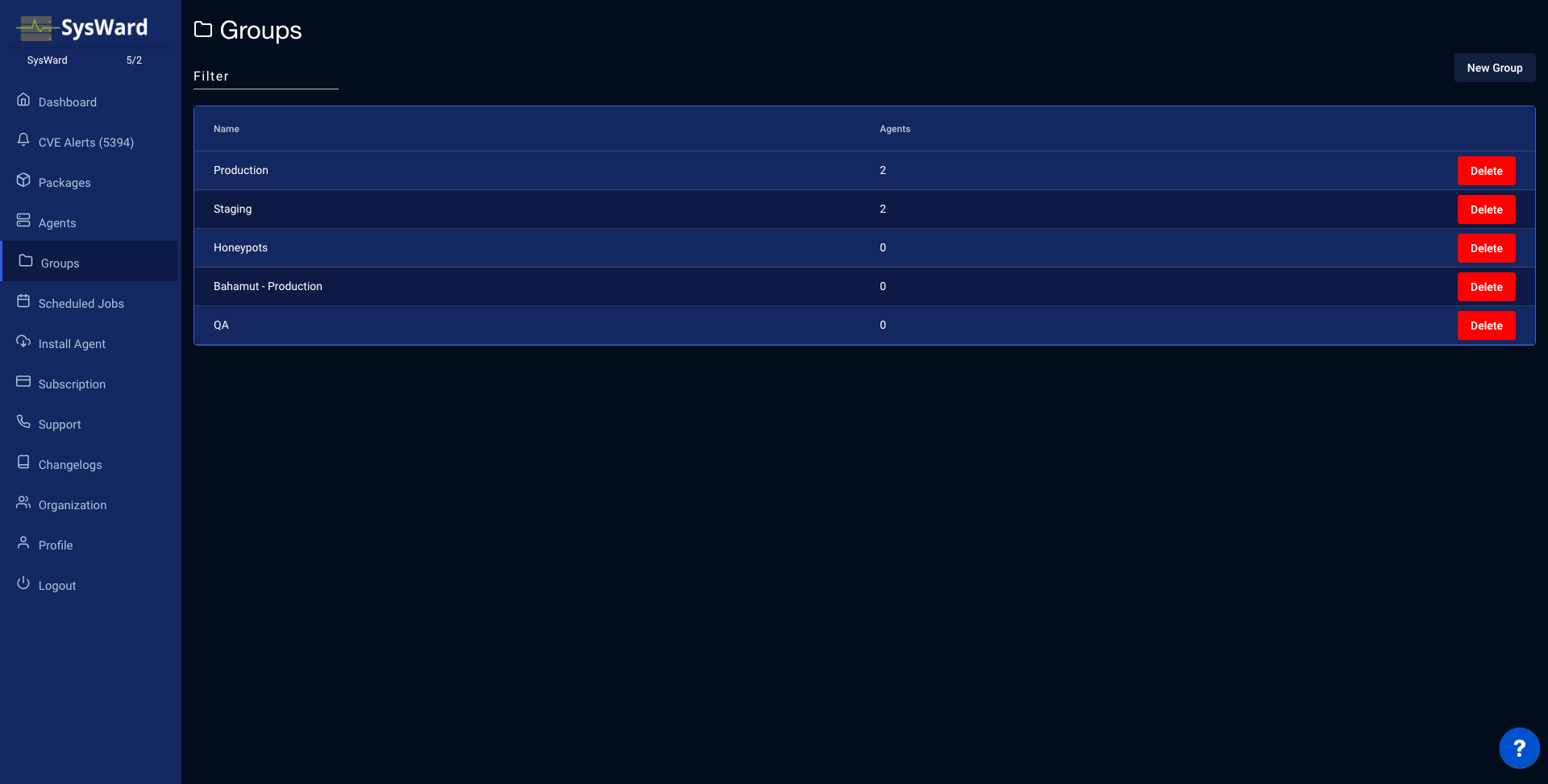
Groups let you organize your servers so you can view, patch, and report on related machines together (for example by environment, role, or team). The Groups page lists every group with the number of agents in it.
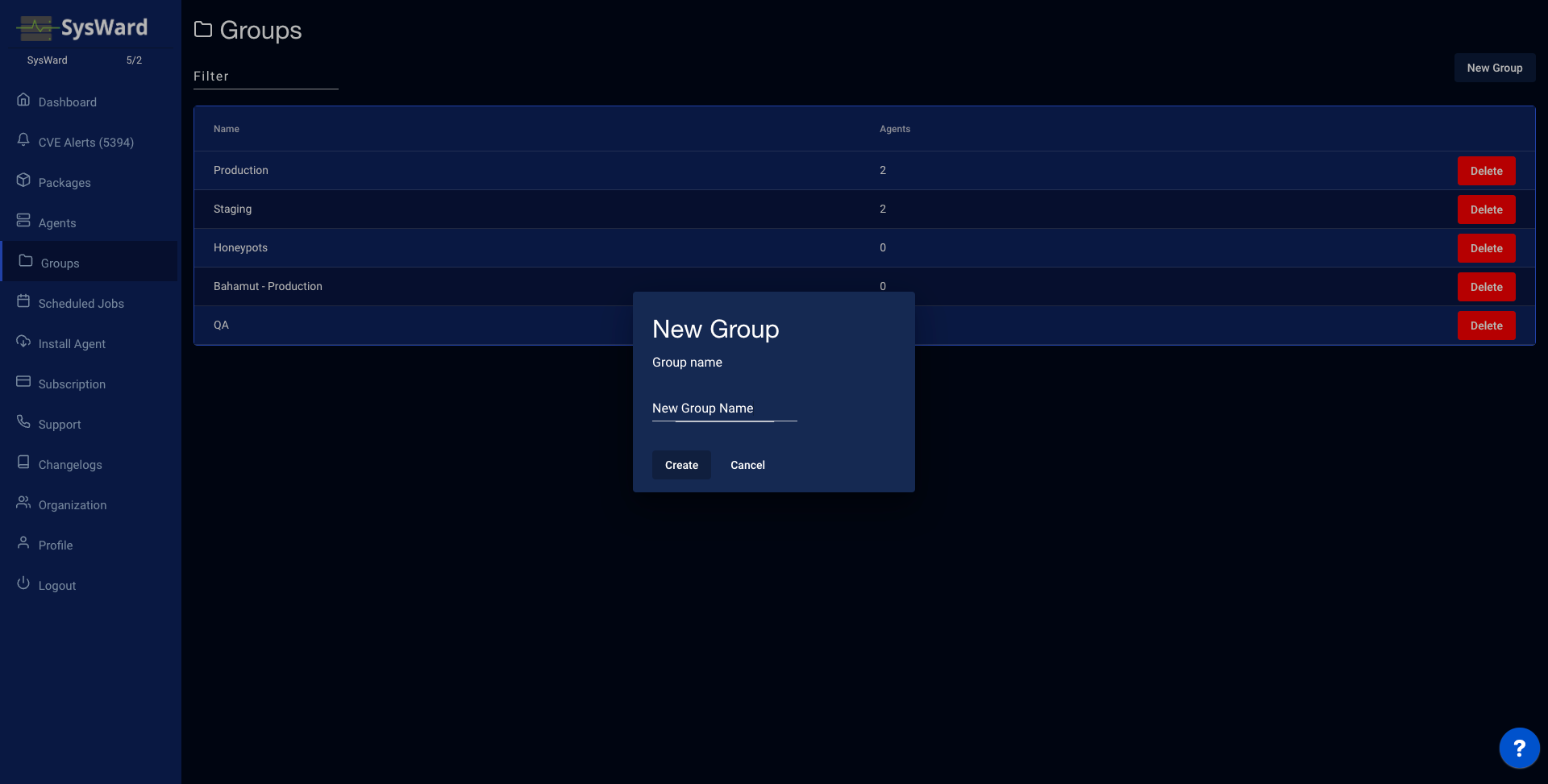
Create a group with New Group and give it a name. Assign servers to it from the Agents list or the dashboard using the inline group dropdown, and remove a group with Delete.
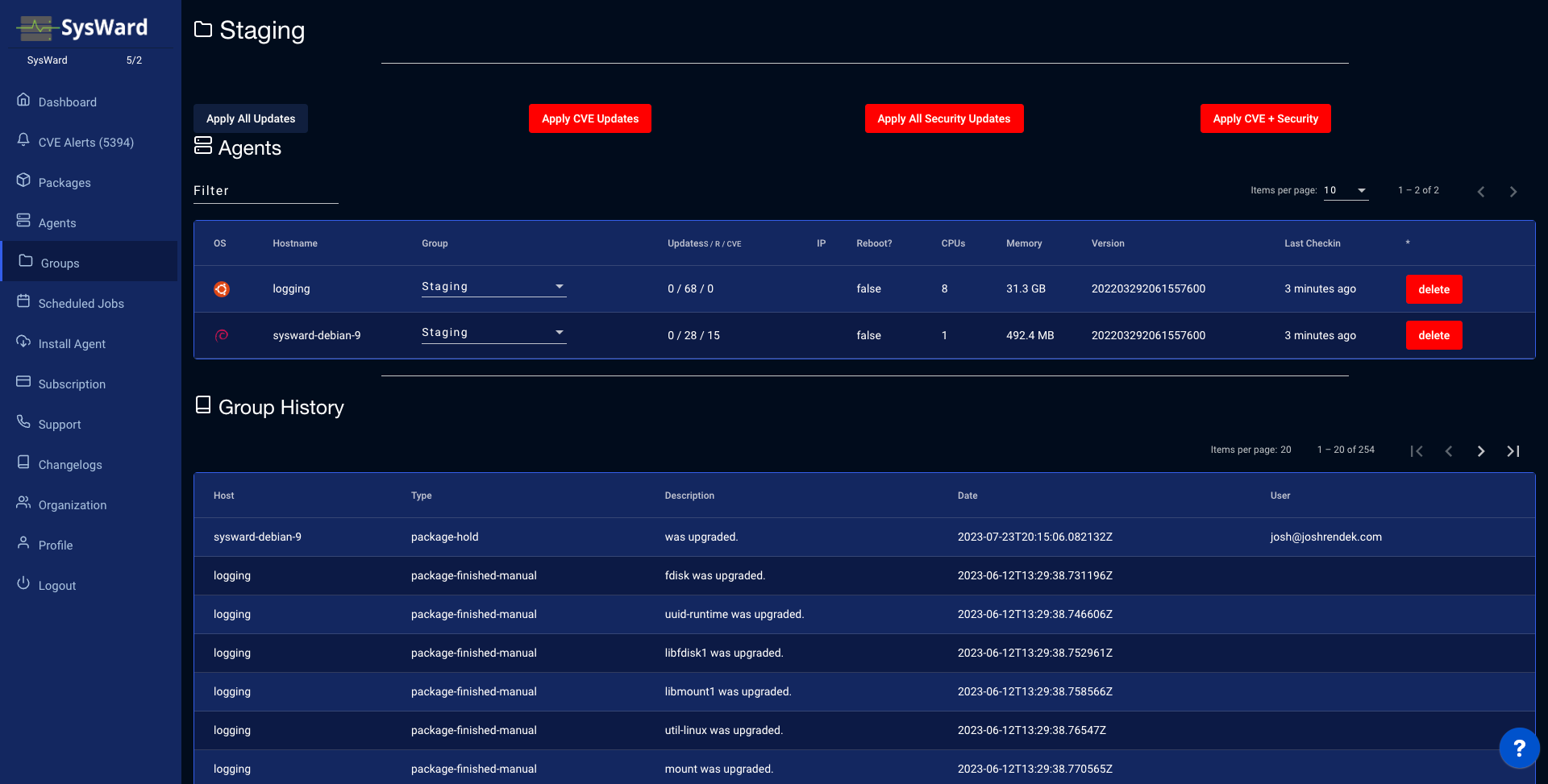
Select a group name to open its overview: every agent in the group, where you can apply updates across the whole group at once and review each server’s history.