

Installing the Agent
The Install Agent page in your dashboard shows a one-line installer with your organization’s API key already filled in. Run it on each Linux server you want to manage.
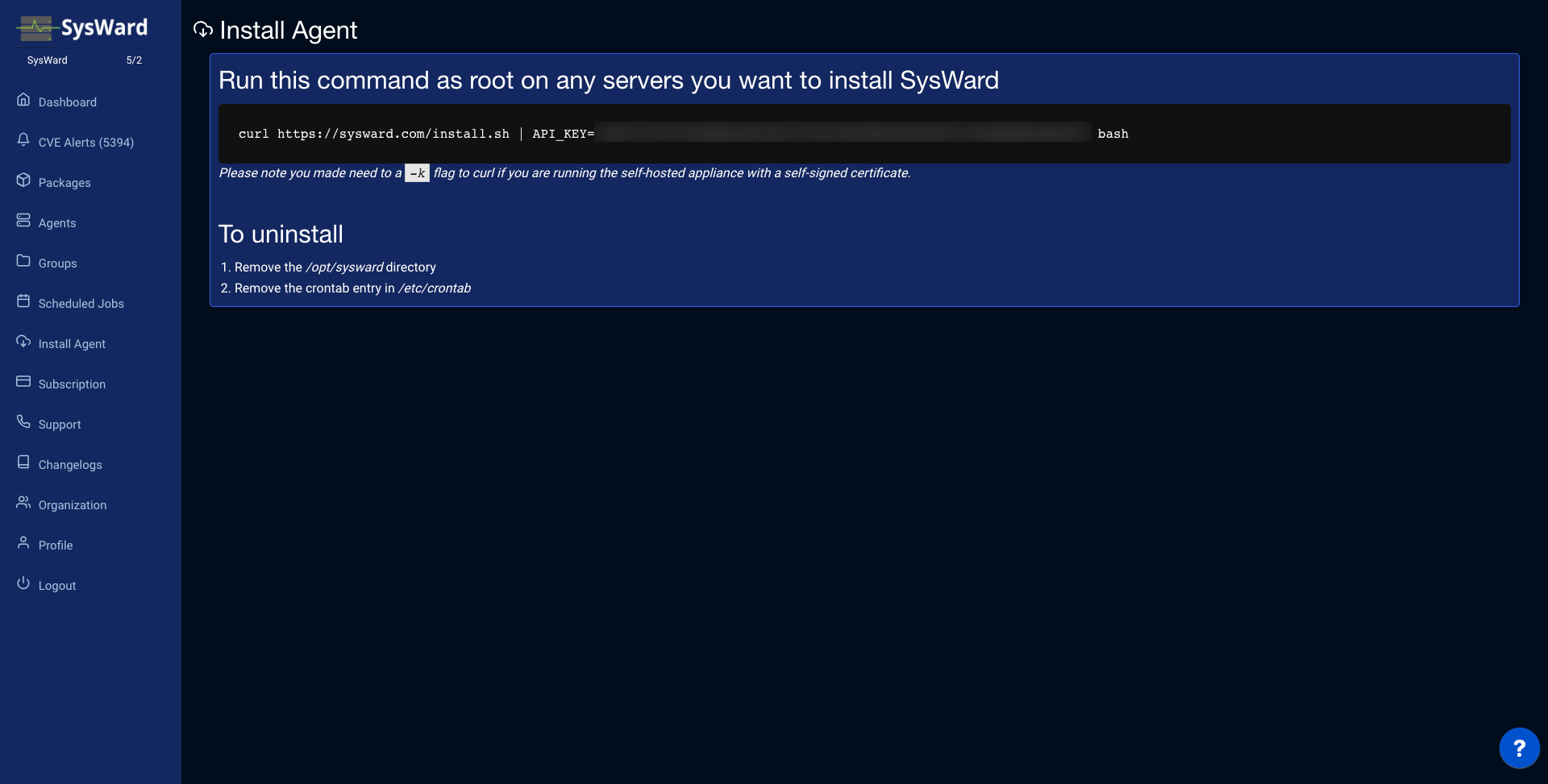
The one-line installer
curl https://sysward.com/install.sh | API_KEY=YOUR_API_KEY bash
Run it as root or with sudo — the installer writes to /opt/sysward.
What the installer does
- Creates
/opt/sysward/bin. - Downloads the agent binary for your server’s architecture
(
sysward_$(uname -m), e.g.x86_64oraarch64). - Downloads the default agent configuration and writes your API key into it.
- Runs the agent once (
sysward -install) so the server checks in right away.
After the first run the agent is scheduled with cron and continues to check in on its own, reporting installed packages and executing any jobs you queue from the dashboard.
Requirements
- A supported Linux distribution
with its standard package manager (
apt,dnf/yum,zypper, orpacman). - Outbound HTTPS to
sysward.comand access toupdates.sysward.comto download the agent binary and configuration. - Permission to write to
/opt/sysward(run asrootor viasudo).
Verify the installation
- The server appears on the Agents page.
- Agent activity is logged to
/var/log/syslog, tagged withSYSWARD.
If a server doesn’t check in, see Troubleshooting. To remove the agent, see Uninstall.