

Subscription
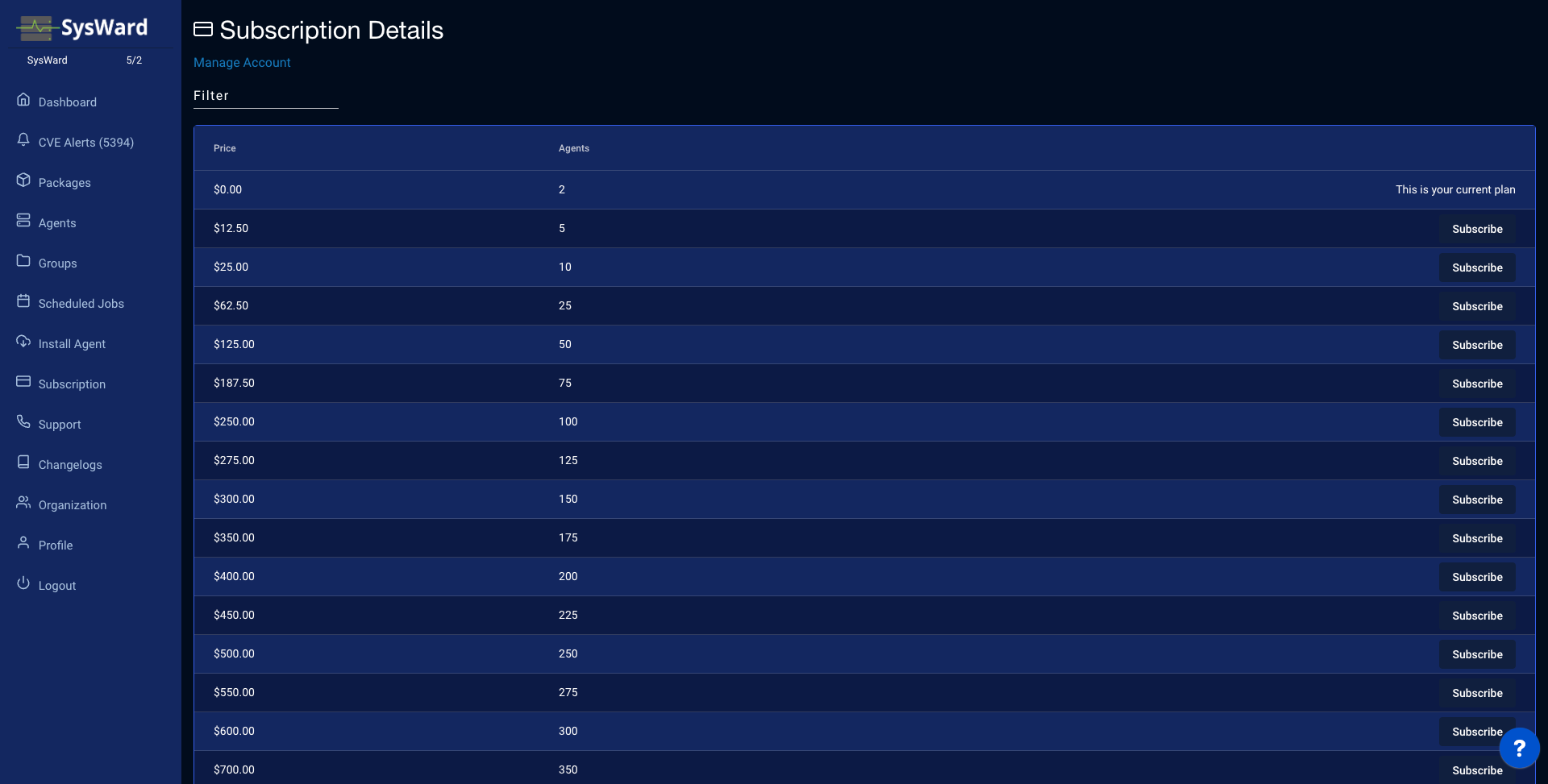
The Subscription page shows your current plan and lets you order agent capacity. SysWard is priced per agent — $1.00 / agent / month. You’ll see:
- Current Subscription — how many agents your plan covers.
- Pricing — the per-agent monthly price.
- Agents to order — enter how many agents you want, then click Subscribe to N agents to change your capacity.
Use Manage Account to sign in to the billing portal, where you can view invoices, update payment details, or change your plan.
Managing billing
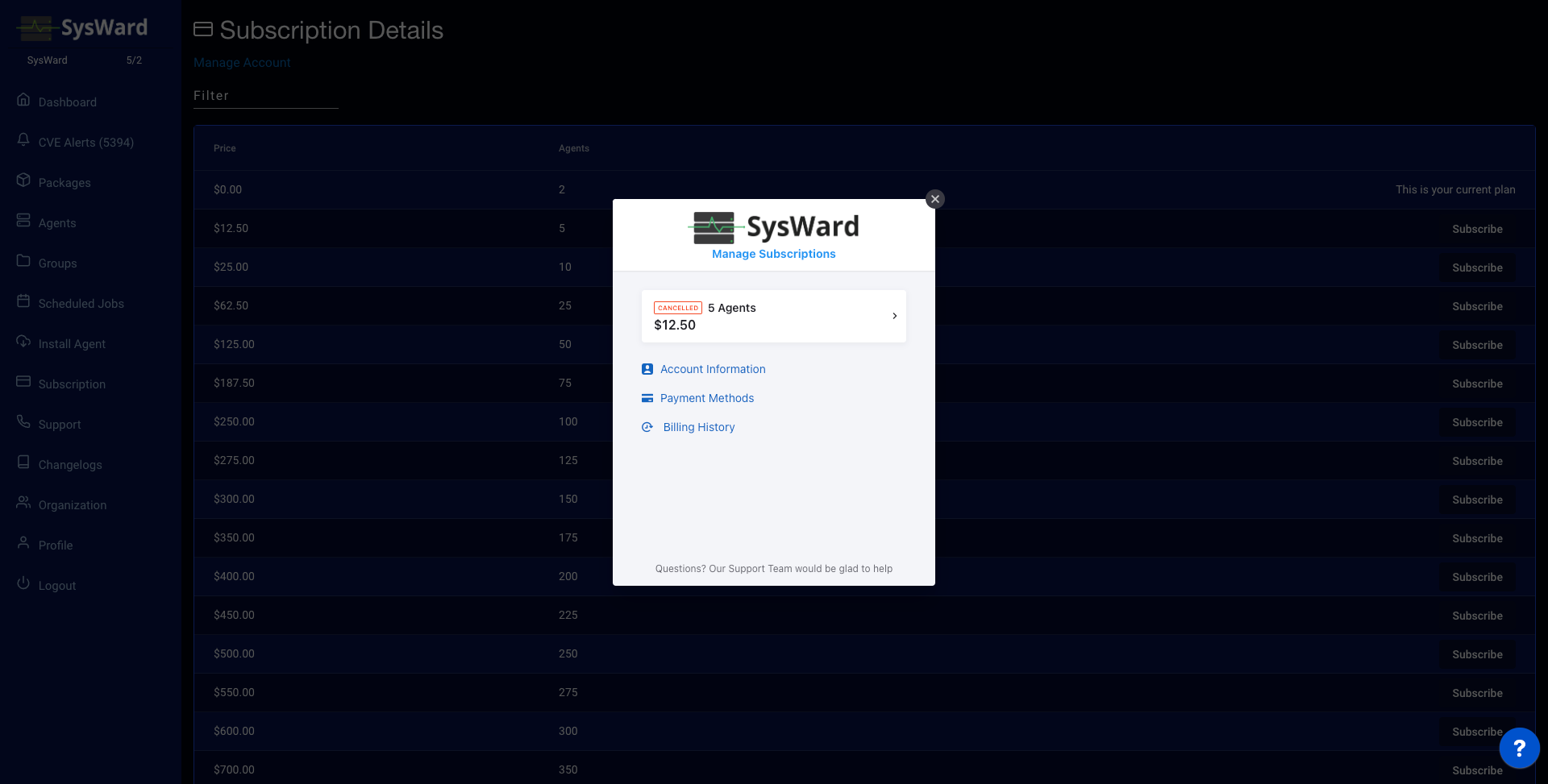
Click Manage Account to open the billing portal.
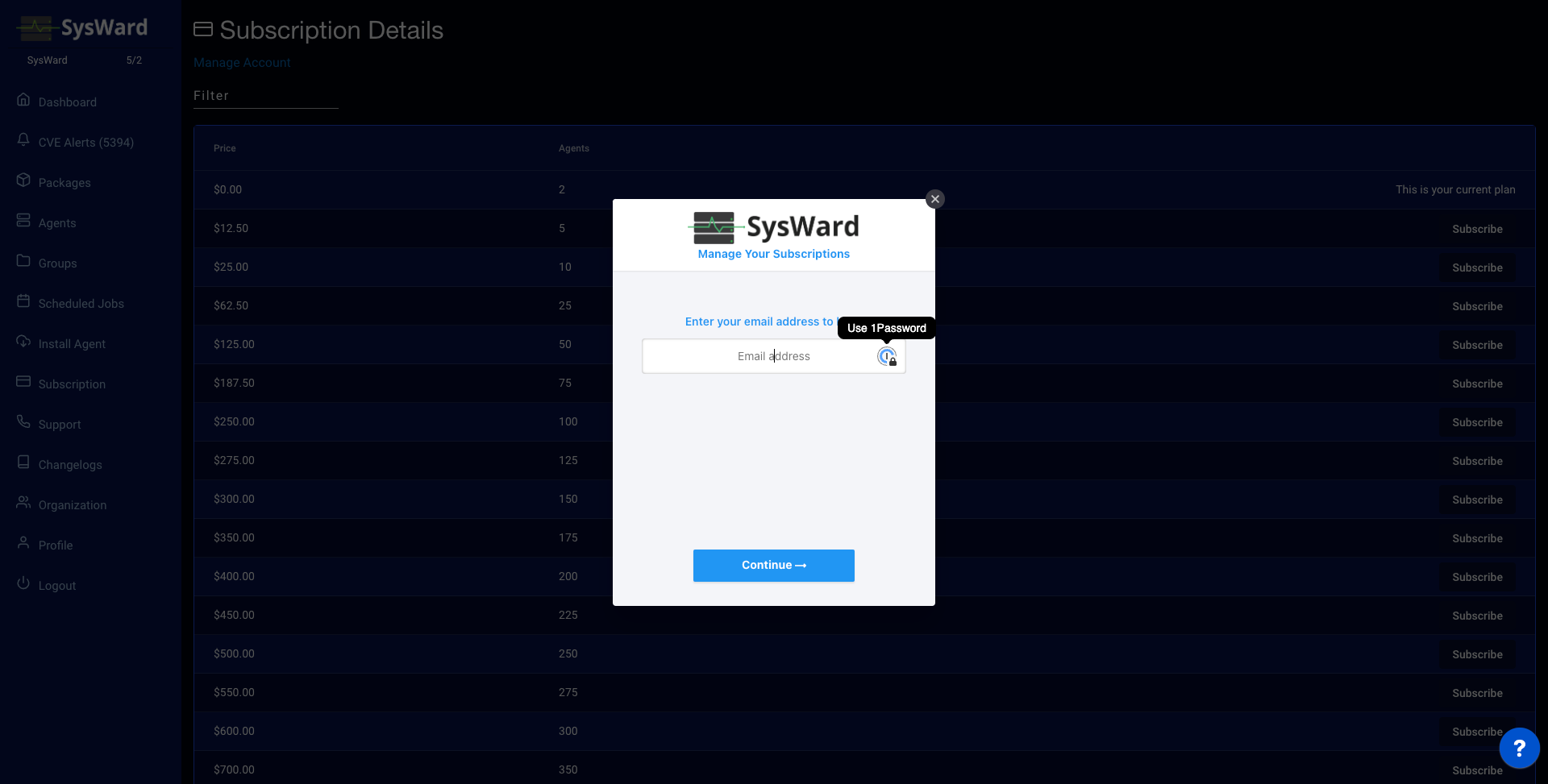
Enter your email to sign in to the billing portal. You’ll be emailed a one-time passcode (OTP).
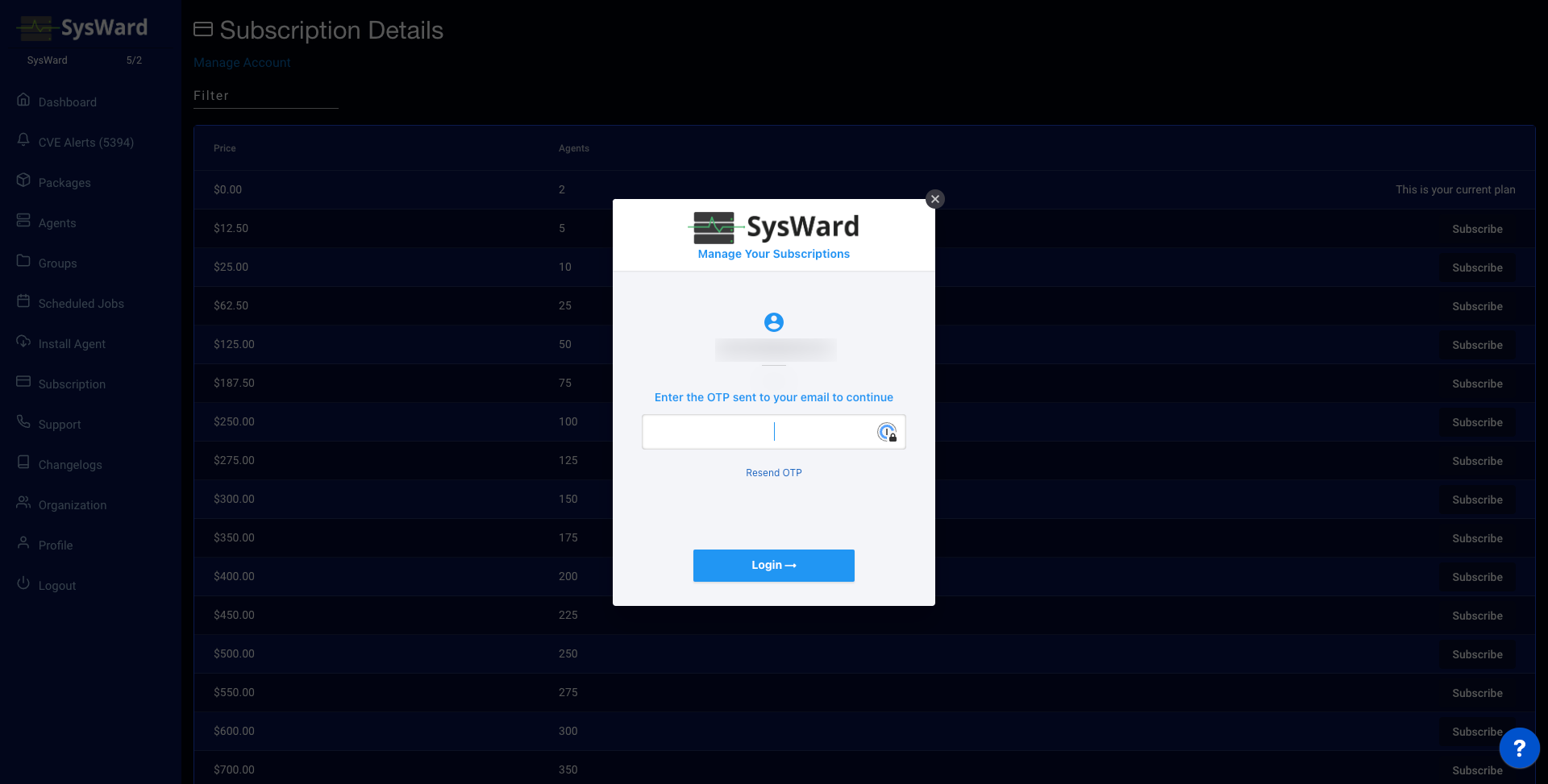
Enter the one-time passcode sent to your email.
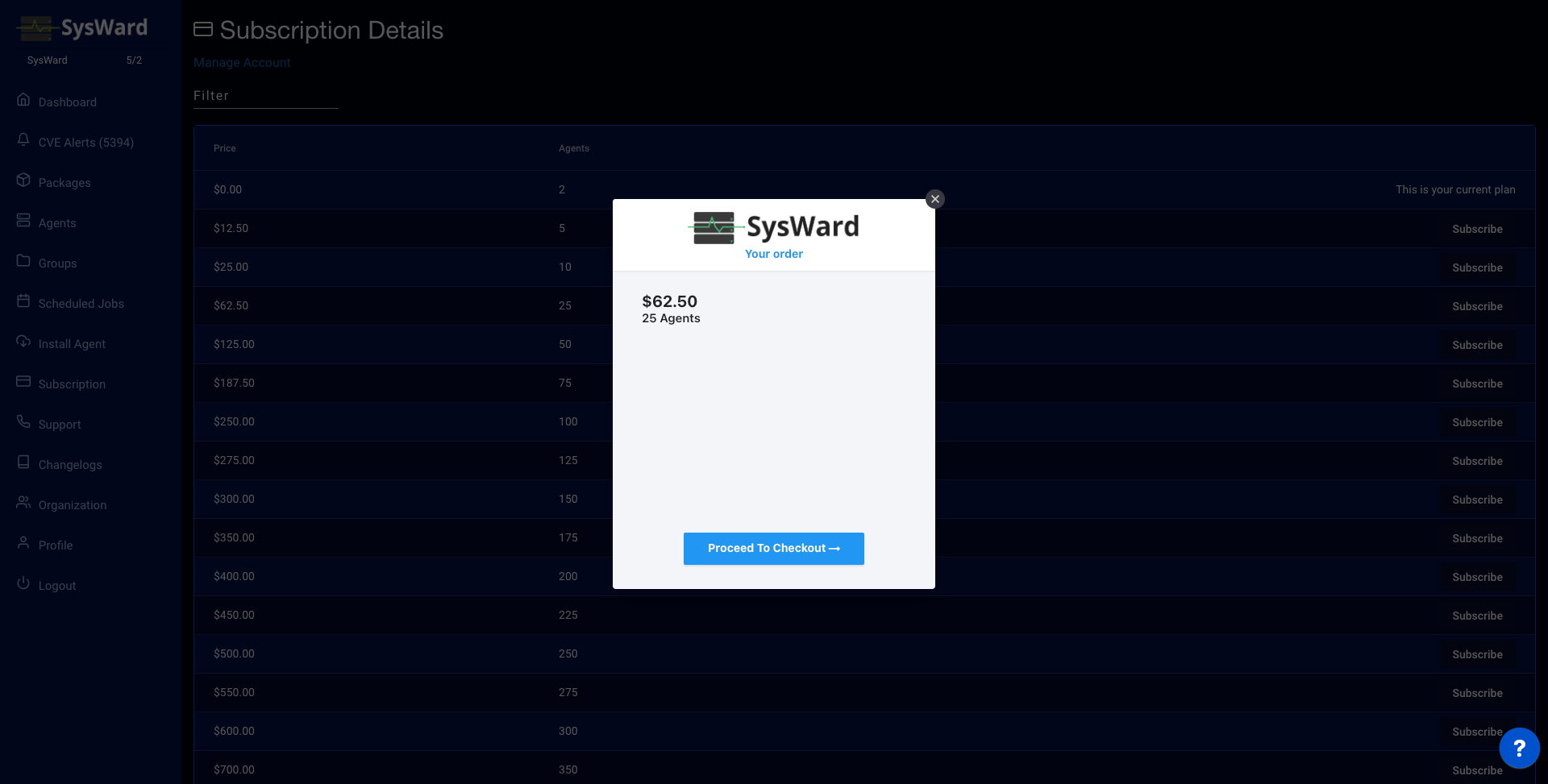
Confirm the plan you want to change to.
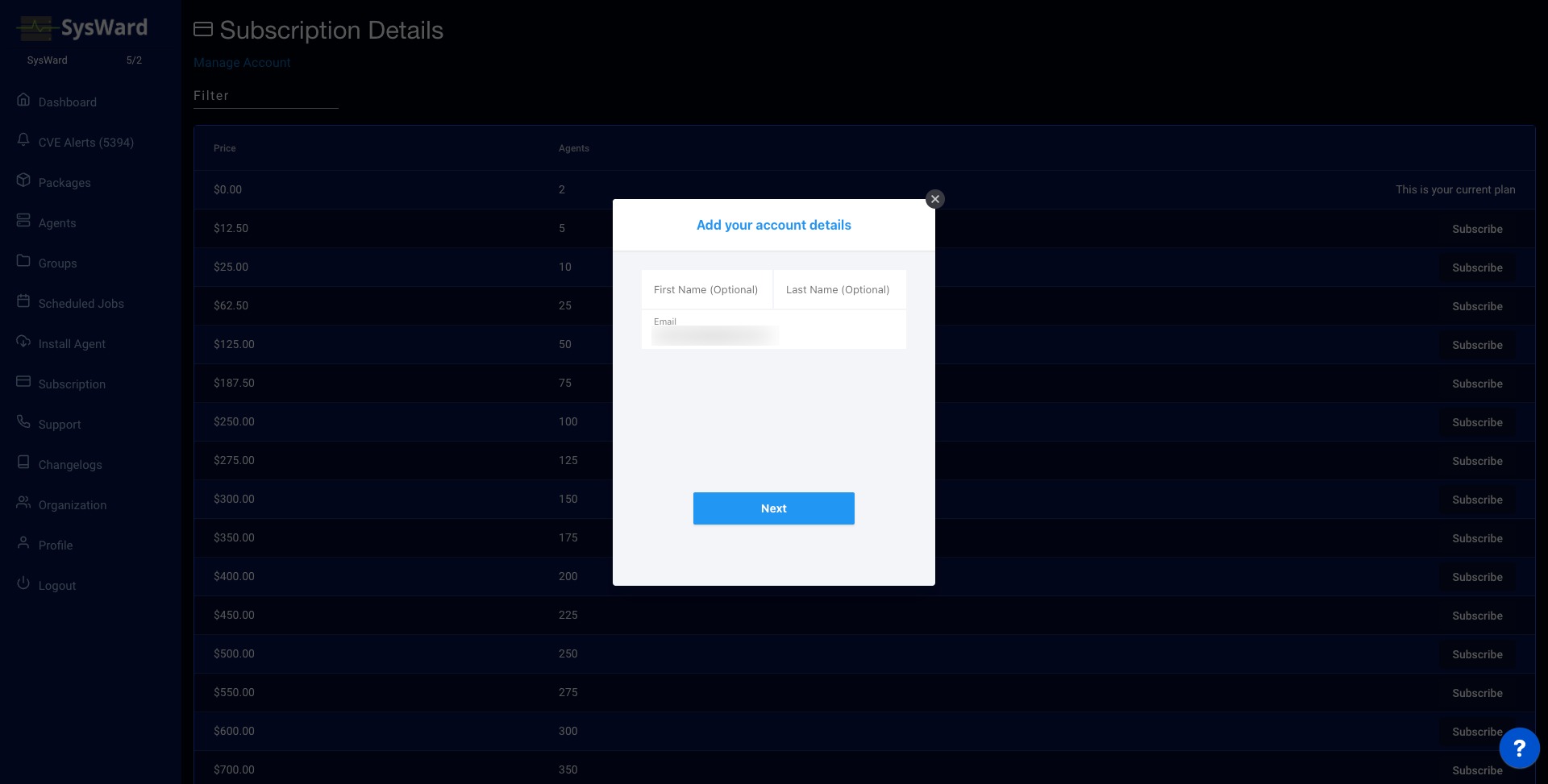
Enter your billing information. Make sure the email matches the organization owner’s email — if you need a separate billing email, submit a support ticket.
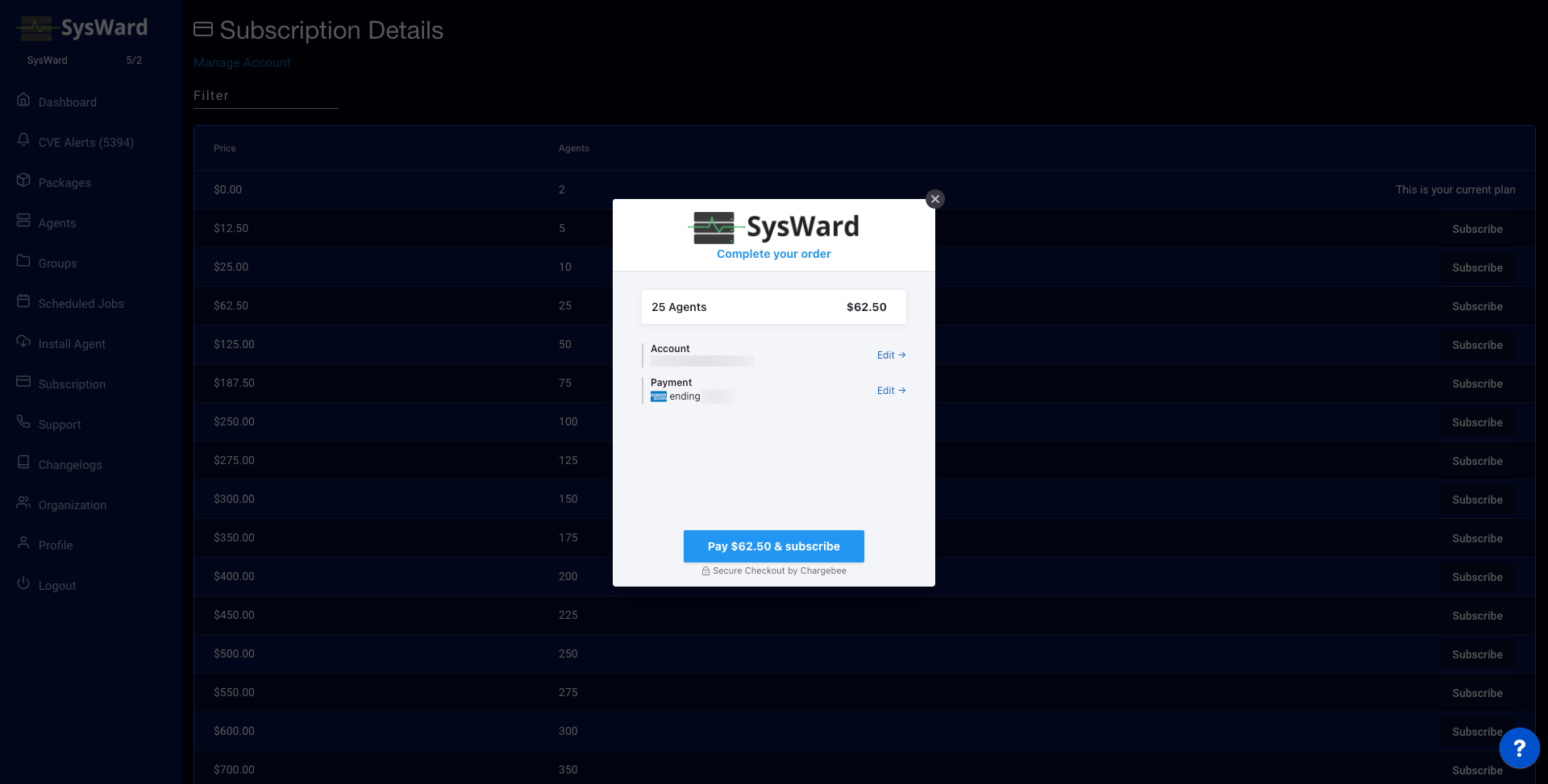
Confirm and enter your payment information.