

Organization & Users
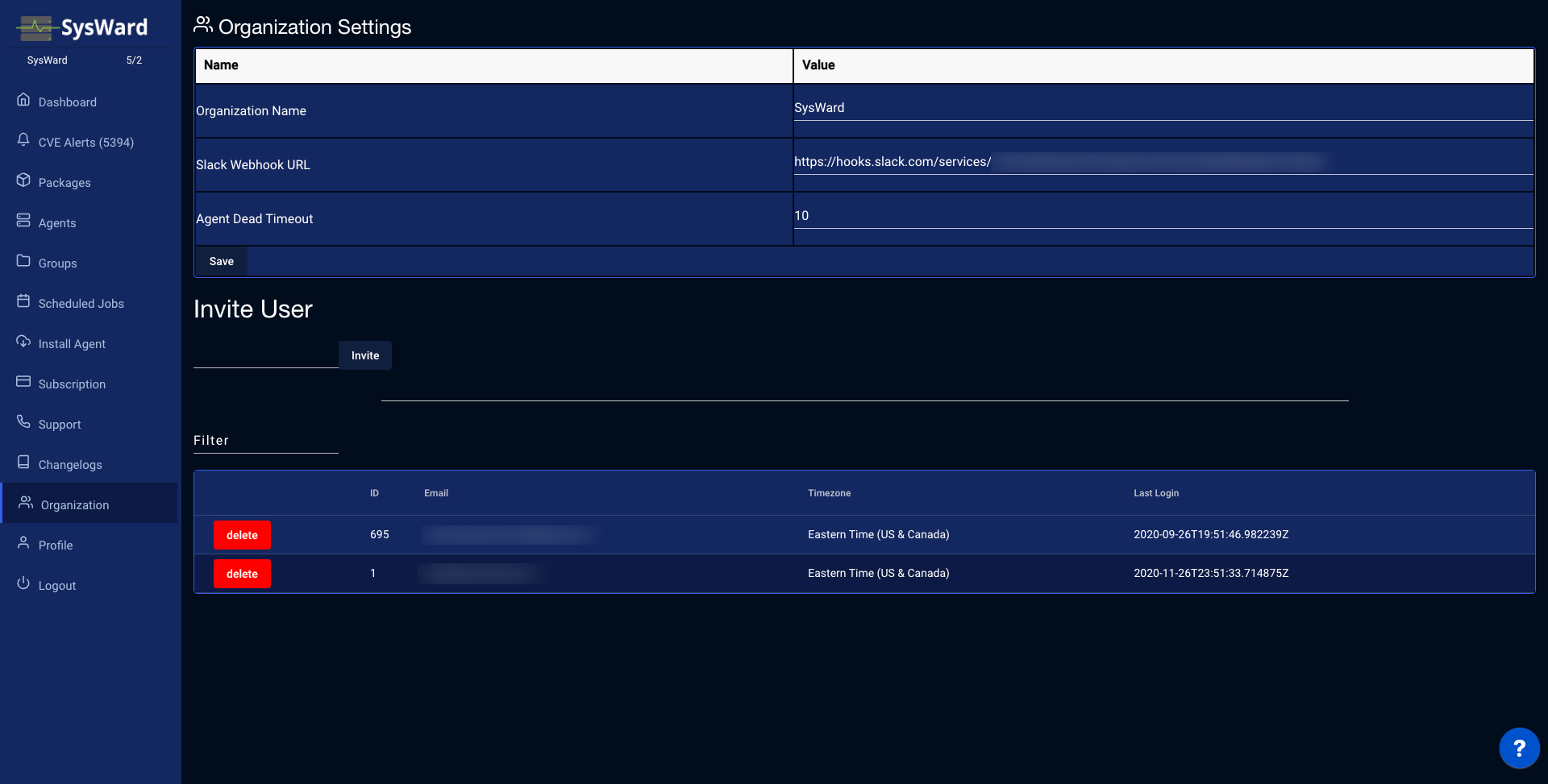
Organization settings
The Organization Settings page controls organization-wide options:
- Organization name — the name shown across the app and in your browser tab.
- Webhook URL — a Slack or Discord webhook that SysWard posts notifications to.
- Agent dead timeout — how long a host can go without checking in before it’s counted as a dead agent on the dashboard.
Click Save to apply your changes.
Users
The Users table lists everyone in your organization with their ID, email, timezone, and last login. Use the filter box to find a specific user.
Invite a user
In the Invite User section, enter an Email address and click Invite to send an invitation to join your organization.